ENGINEERING CASE STUDY / Desktop & AI
BilisPDF
Less PDF busywork. Keep your files local.
Visit the project website Source repository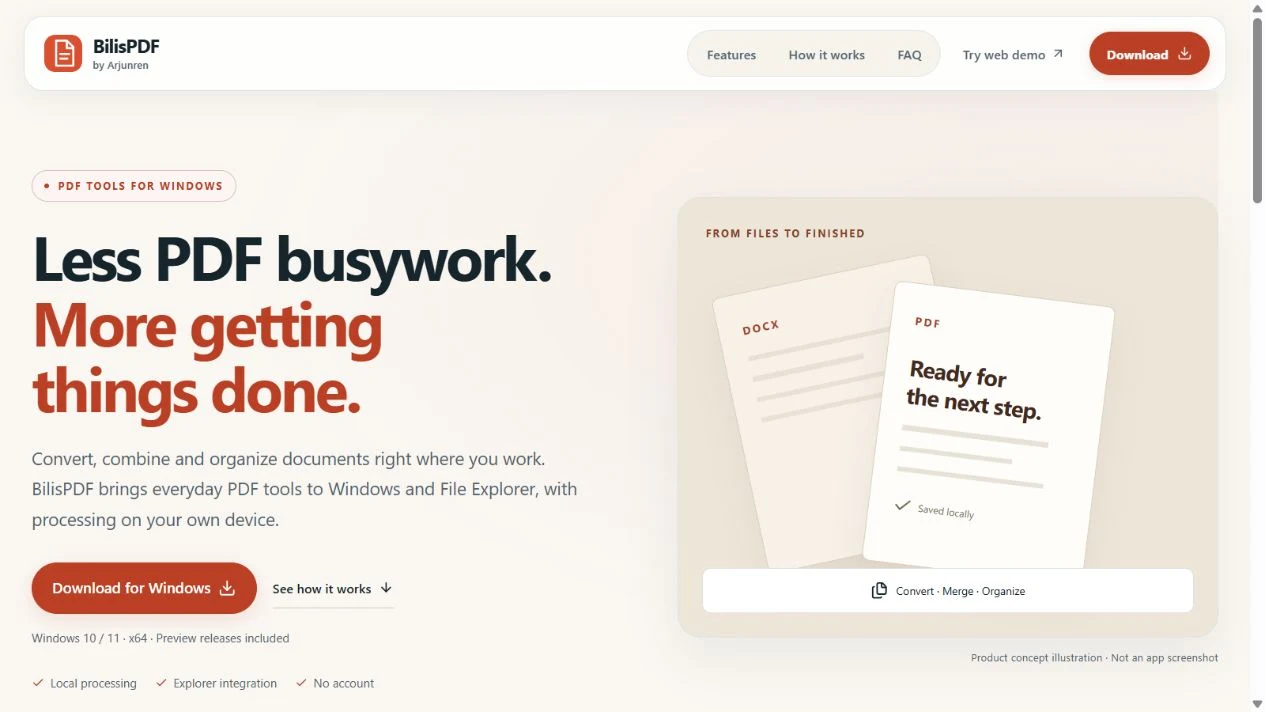
01 / THE PROBLEM
Problem & objectives
Handle everyday PDF work directly from Windows without sending private documents to an online conversion service.
An offline Windows PDF utility for conversion, merging, page extraction, rotation, and images to PDF. File Explorer actions, a desktop app, and a CLI share the same processing engine.
02 / THE SYSTEM
Architecture & technology
A shared .NET core validates input and output paths. PDFsharp handles PDF operations, guarded local converters handle Office documents, and WPF, CLI, and out-of-process Explorer workers call the processing engine. The separate browser demo uses pdf-lib in a worker.
- Explorer, desktop, or CLI
- Local PDF processing
- Separate output files
03 / THE BUILD
Implementation & key features
- Merge, extract, split, rotate, and combine images
- Local Office conversion through LibreOffice or Microsoft Office
- File Explorer integration, desktop UI, and CLI
- Independent browser demo for common PDF operations
04 / THE BOUNDARIES
Security & reliability
Design notes and review considerations documented alongside this project:
- Files stay on the local computer during native processing
- Existing output files are not overwritten by default
- Conversion runs outside Explorer; Office automation disables macros
- Current Windows preview installer is unsigned
05 / THE DECISIONS
Challenges & trade-offs
Office conversion requires LibreOffice or an installed Office application. The unsigned preview has Windows shell installation constraints. The browser demo does not provide Office conversion or Explorer integration and may not preserve advanced PDF features.
06 / THE RESULT
Outcome & engineering takeaways
A Windows document workflow spanning Explorer, desktop, and command-line use, with a separate browser demo for a smaller set of PDF tasks.
The engineering takeaway is to make the system’s capabilities and limits explicit. The repository documents the implementation and its current scope.
Read the project documentation